Run your waitlist
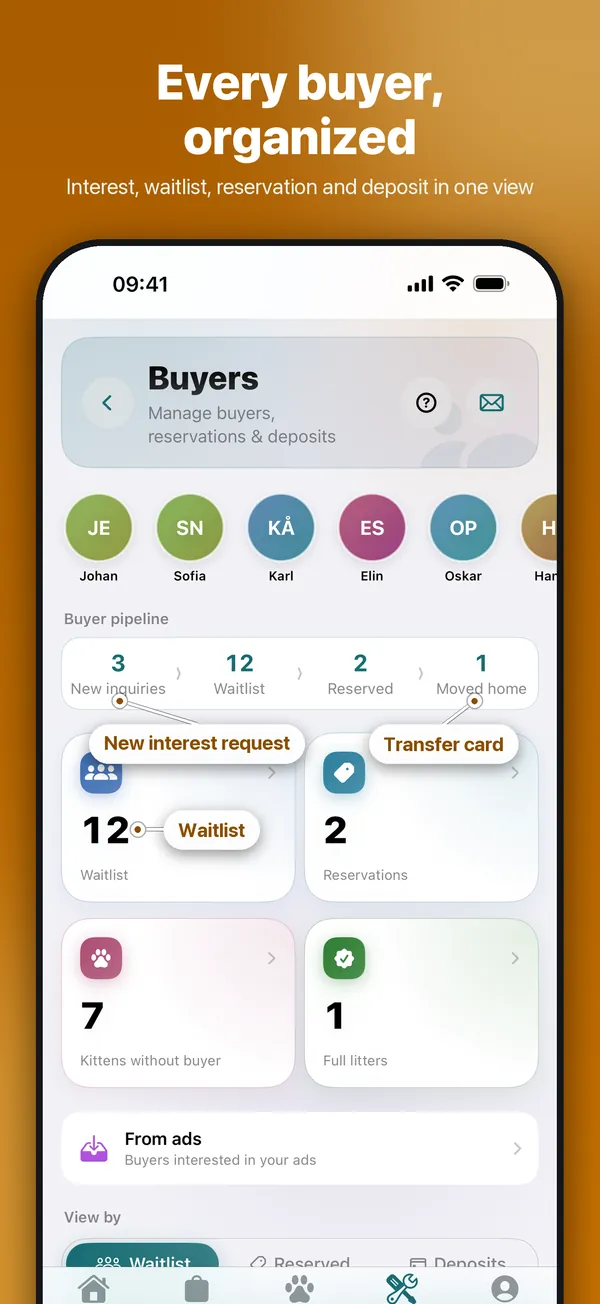
Everyone who wants a kitten in one list, with their wishes and contact details.
Step by step
- Open Tools → Cattery & sales → Buyers, or Waitlist on Cats.
- On Waitlist, tap + (Add Buyer) and fill in the buyer and their wishes.
- When a kitten is promised, open the entry and tap Reserve a kitten. The buyer moves to Reserved.
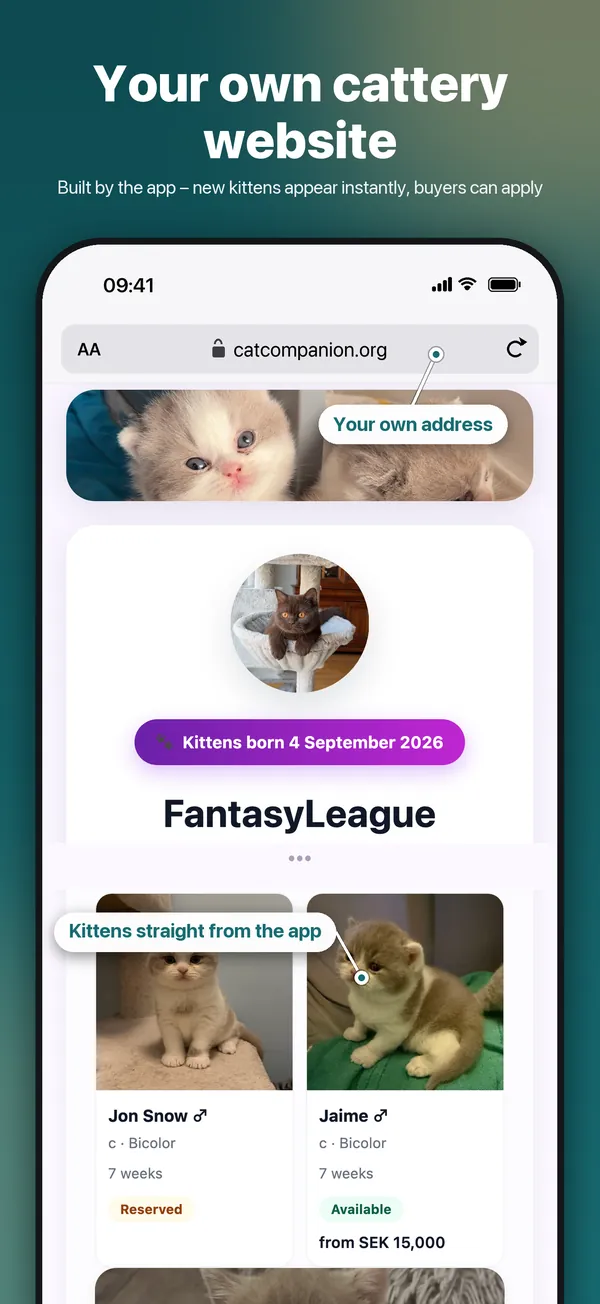
Good to knowInterest from your cattery website lands in the same place.
Go through new interests
Interest requests from your cattery website land in one inbox – look into each person and decide.
Step by step
- Open Tools → Cattery & sales → Buyers. Under Waitlist the inbox opens on New.
- Tap a card to read everything the person wrote: message, wishes and contact details.
- Choose Add to waitlist, Put on hold or Decline. The card moves at once.
- Put on hold moves the person to On hold. Choose On hold + newsletter to put them on your newsletter list in the same step.
Good to knowA buyer already on the waitlist can be put on hold too: open the entry and tap Put on hold. They move to On hold at the bottom of the list.
Register a deposit
Keep track of who has paid a deposit for which kitten.
Step by step
- Open Tools → Cattery & sales → Buyers → Reserved and open the reservation.
- Tap Mark deposit as paid and enter the amount.
- Add later payments with Add payment.
- Deposits shows the deposits still to follow up.
Good to knowPayments saved on a reservation are added to Economy automatically. Don't enter them twice.
Keep the books per litter
Income and expenses per litter and cat, and a file for your accountant.
Step by step
- Open Tools → Cattery & sales → Economy.
- Tap + to add income or an expense and link it to a litter, kitten or cat.
- Export with Export ledger CSV for your accountant or Share year report PDF for the year.
Good to knowPayments registered on a reservation are added here automatically. Amounts keep their decimals (12.49), and entries in another currency are summed on their own line.