Cat Breeder Premium

The moving card: everything follows the kitten home

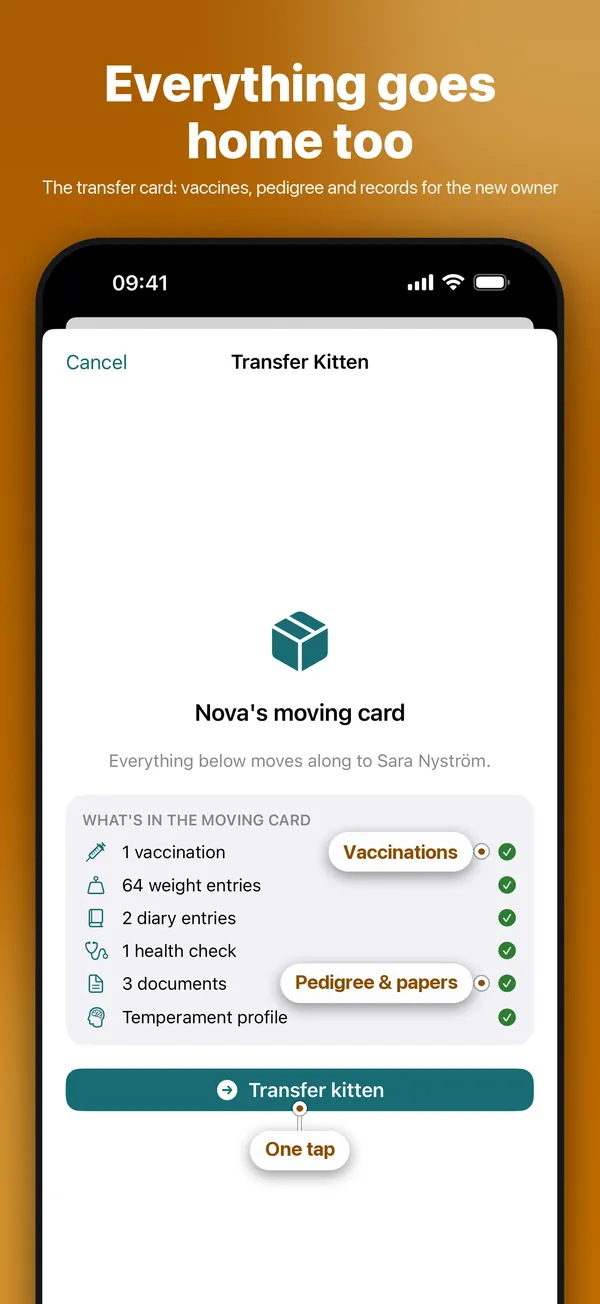
On moving day, one tap sends the kitten's vaccinations, weights, documents and diary to the new owner, who accepts it in their own app.

QR code that opens CatCompanion in the App Store
Scan with your phone's camera

The code opens CatCompanion in the App Store on your phone.

CatCompanion moving card for the kitten Nova: vaccinations, weight entries, diary, health check, documents and temperament profile follow along
Screenshots from the app with example data.

Send a moving card

When a kitten moves, its health history, documents and weights follow it to the new owner.

Step by step

  1. Open Cats → Kittens and open the kitten.
  2. The kitten needs an active reservation with a buyer. Add one first if it's missing.
  3. Tap Transfer Kitten and confirm.
  4. Follow the transfer under Transfer cards on Cats until the buyer accepts.
Good to knowThe buyer gets an email link and accepts in the app. A transfer cannot be undone.

More you can do

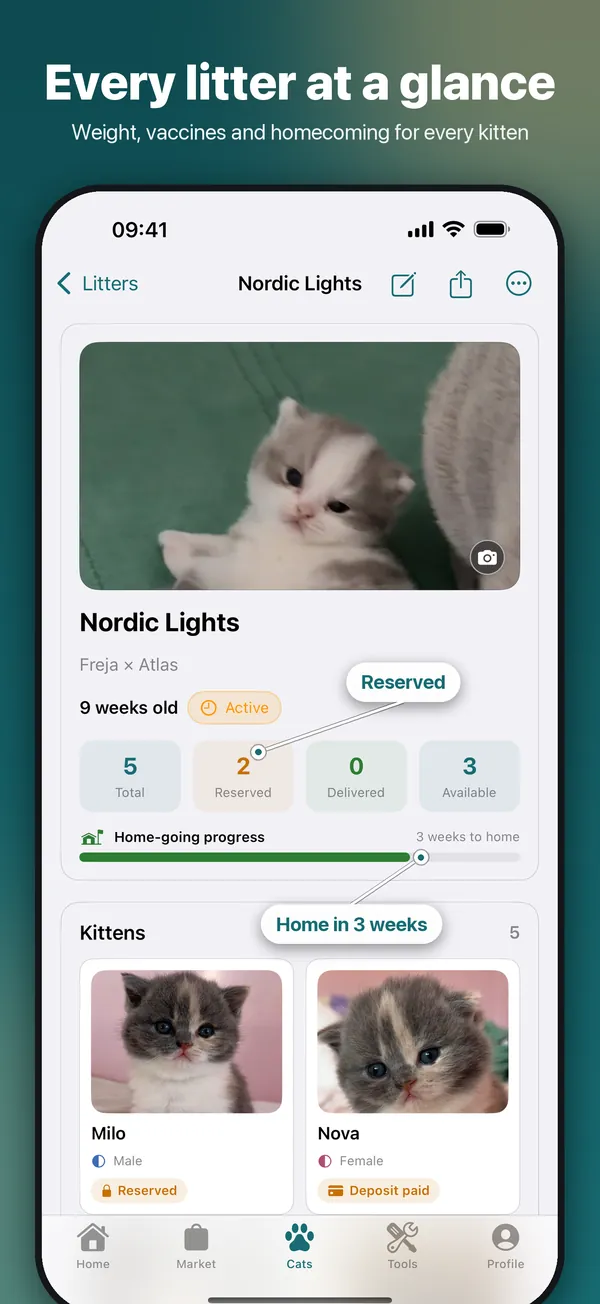
CatCompanion litter view: the litter Nordic Lights with kitten photos, reserved and available kittens and weeks until homecoming
Cat Breeder Premium

Litters and kittens, step by step

Register the litter once and every kitten gets its own profile — weights, reservations and the moving card all follow from there. Heat and mating dates give you the expected birth window.

  • Register a litter and its kittens
  • Log heat and matings
See the full guide →
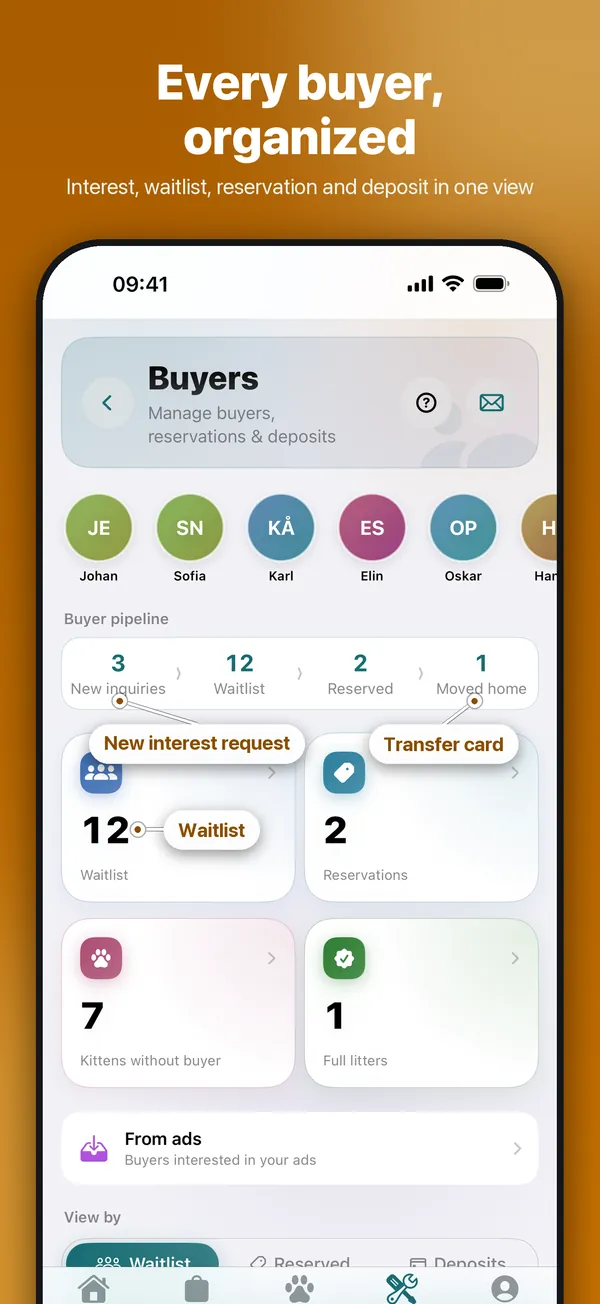
CatCompanion buyer hub: buyer pipeline with new interest requests, waitlist, reservations and moved-home kittens
Cat Breeder Premium

Waitlist, interest requests and deposits

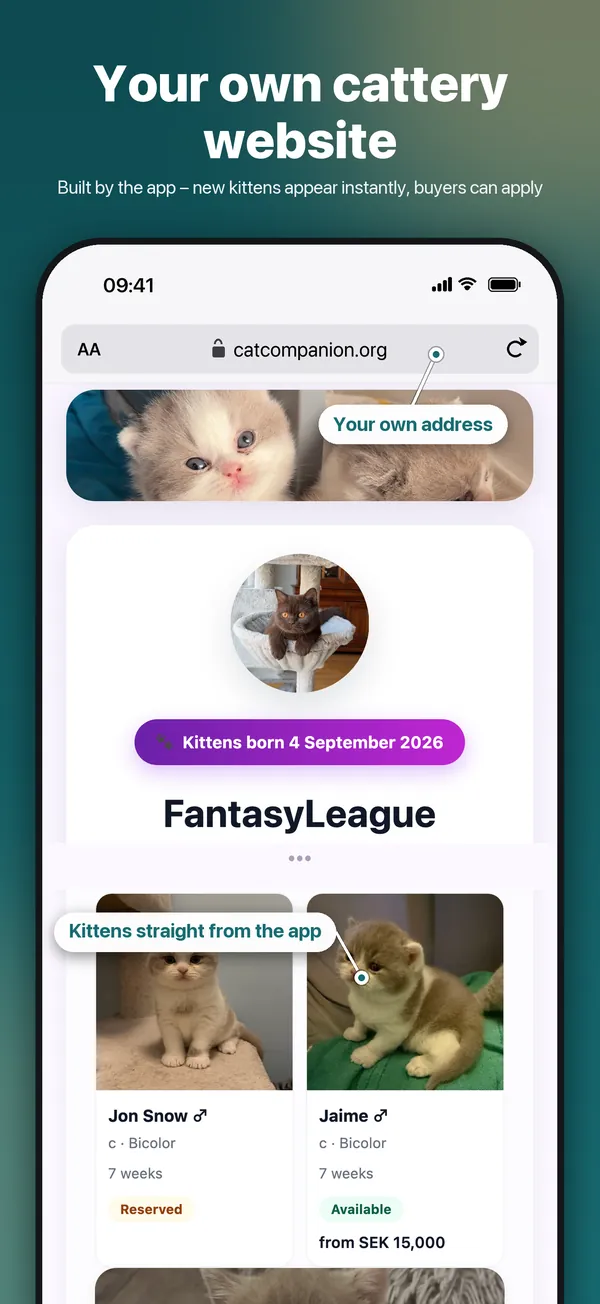
Everyone who wants a kitten in one list. Requests from your cattery website land in an inbox, you reserve a kitten in one tap, and deposits are booked in your finances automatically.

  • Run your waitlist
  • Go through new interests
  • Register a deposit
  • Keep the books per litter
See the full guide →
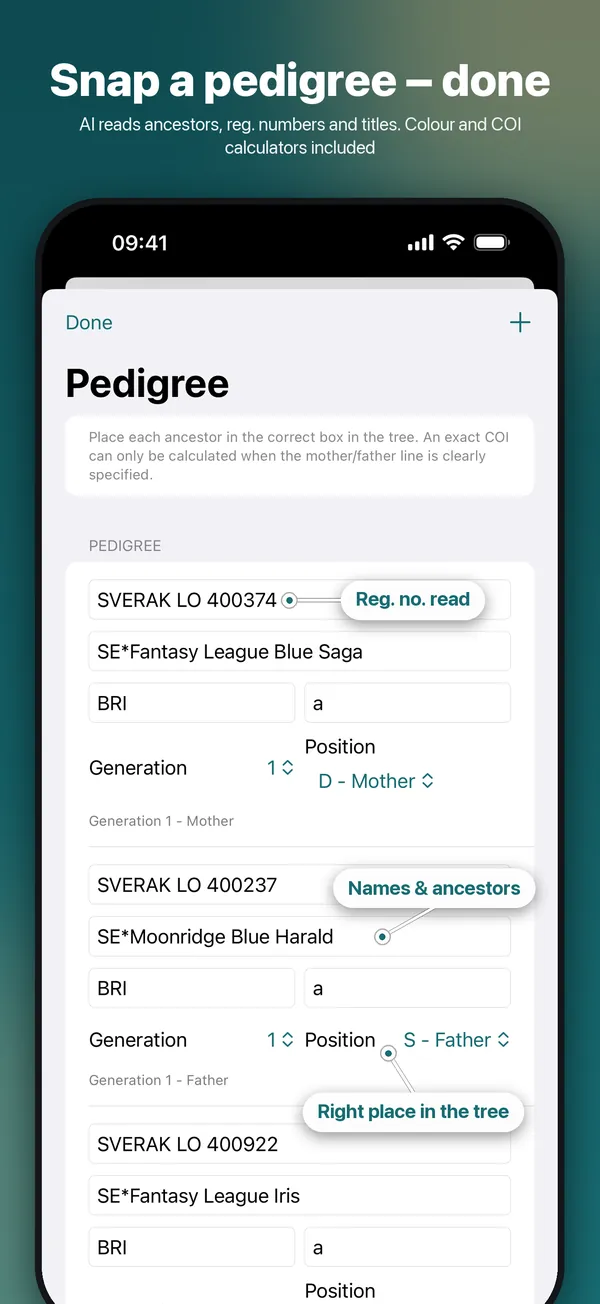
CatCompanion pedigree scanner: scanned ancestors with registration numbers placed in the right position of the family tree
Cat Owner Premium

Scan a pedigree in seconds

Photograph a paper pedigree, or pick a PDF, and the AI places every ancestor in the right spot of the tree — ready for the colour and inbreeding calculators.

  • Scan a pedigree
See the full guide →
All how-to guides →

Get CatCompanion

Free to download. Your cats, your cattery and your buyers — all in one app.

Download on the App Store